A good LinkedIn post makes one point for one kind of reader. Open with a short line that makes them want the rest, give the point in short paragraphs or a small list, and end with a question that’s easy to answer. Keep it as long as the idea needs, and no longer.
That’s the method. Below, we apply it to one messy set of notes and show every decision on the way to a finished post.
The situation
Say you run onboarding at a small software company. (This is an example, not a real company.) Last year you lost your biggest customer, and after digging in, you found the problem wasn’t the product. It was how the first ten days went. Since then the team has changed three things.
It’s Thursday afternoon, and your notes look like this:
lost biggest acct last yr. not product, it was first 10 days, nobody owned it, kickoff deck was 40 slides, first value took ~5 wks. changes: 1 owner per acct, 1-page plan for first 10 days, aim for a first win in week 1. also redid pricing page, hired 2 CSMs, new QBR template. renewals better since?? maybe talk about onboarding metrics
There’s a good post in there. There are also about four other posts competing with it.
Decision 1: Which idea?
Before writing a sentence, finish this line: “After reading this, I want people to know that…”
From the notes, a few candidates come out. Onboarding decides churn. Our new QBR template. What we learned hiring two CSMs. How we redid pricing. Each one is fine. Together, they’re a mess.
The strongest is the first, because it has a story (the lost customer), a turn (it wasn’t the product) and something readers can use (the three changes). So the sentence becomes: “Most churn is decided in the first ten days, and here are the three things we changed.” Pricing, hiring and QBRs go into your idea list for other weeks.
Also cut: “renewals better since??” You don’t have a clean number, and a vague claim would weaken the post. If you can’t stand behind it, leave it out.
Decision 2: The first line
Only the first lines show before “see more,” so the opening decides how many people read the rest. Here are three drafts:
- “Customer onboarding is one of the most important parts of SaaS.” (True and forgettable. Nobody stops for it.)
- “Here are 3 onboarding tips every SaaS company needs!” (Sounds like every other post in the feed.)
- “I lost our biggest customer last year.” (Specific, a little uncomfortable, and it raises a question: what happened?)
The third one wins. It’s short, it’s yours and it makes people want the next line. For more opening patterns, see How to Write a LinkedIn Hook.
Decision 3: The body
The first full draft of the body, straight from the notes, came out at three paragraphs: the account history, the internal review, then the changes with a sentence of explanation each. Too much. Readers on a phone want the turn and the takeaway, not the meeting minutes.
So it gets cut to:
- One line of context: the reason wasn’t the product, it was the first ten days.
- One line to set up the list: here is what we changed.
- Three bullets, a few words each.
The 40-slide kickoff deck and the five weeks to first value are good details, and they’d make a fine follow-up post. Here they slow things down.
Decision 4: The ending
End with one line that sums up the idea, then a question that’s easy to answer. “What would you add?” works because anyone who does onboarding has an opinion. “Thoughts?” is too open. “Agree?” invites a one-word reply.
If your goal is an action instead of a conversation, say so plainly: “Save this for your next kickoff.”
The finished post
I lost our biggest customer last year.
The reason was not the product. It was the first 10 days.
Here is what we changed: • One owner per account • The first 10 days on one page • A first win in week one
The best churn fix starts before the contract is signed.
What would you add?
The shape underneath is one you can reuse: hook, one line of context, the body, a one-line takeaway, a question.
What we measured on this draft
We checked the finished post with the same counting our Character Counter uses, one character per Unicode code point. Here’s what our script showed:
- The whole post is 284 characters, including line breaks and the bullet symbols. LinkedIn allows 3,000 for a post, so length was never the issue. Focus was.
- The hook is 38 characters as plain text.
- If you make that hook bold with Unicode letters, it still counts as 38 characters by code point. Under the hood, though, the text is 69 units long in the UTF-16 encoding many apps and scripts use, because each bold letter takes two units. That’s why one tool can show a different count from another for the same styled line. It’s also one more reason to bold at most one line.
Making it easy to read on a phone
The post above already does most of this, but as a checklist for your own drafts:
- Paragraphs of one to three lines, with an empty line between them.
- Lists for steps or tips, with the same bullet symbol all the way down.
- At most one bold line, usually the hook. The Text Formatter does bold and italic.
- Plain words. If you wouldn’t say it to a colleague, rewrite it.
How to Format a LinkedIn Post goes deeper on spacing, symbols and accessibility.
Why the details matter
What makes the finished post feel real is the stuff only you could know: the biggest customer, the first ten days, the three specific changes. Swap those for “customer retention is key” and it could have been written by anyone.
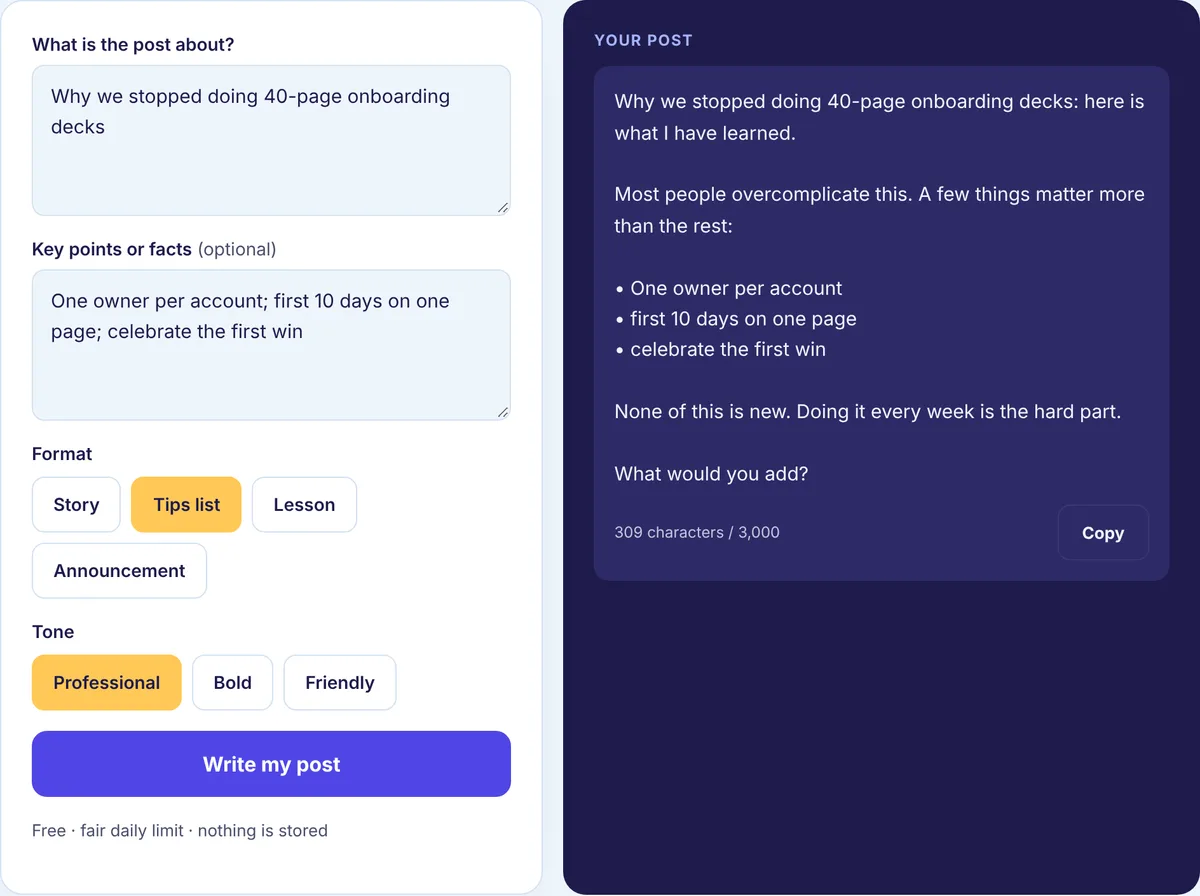
That’s worth remembering if you use AI for a first draft. The Post Generator only works from the facts you give it, so feed it your specifics, then edit the result until it sounds like you.
Before you hit post
- Read it aloud. Cut anything you wouldn’t say.
- Check the hook sits above “see more” in the Post Preview.
- Add two or three relevant hashtags if you use them.
- Make sure you have time to reply to comments in the first hour or so.
Your turn
Take this week’s notes, pick the one idea with the best detail, and run it through the same four decisions. If you’d like a head start, paste your notes into the free LinkedIn Post Generator and edit the draft it gives you. For ready-made structures, see the LinkedIn post templates, and for finished posts in many formats, the LinkedIn post examples.